City Block Builder
Unity, C#, Game Pipelines, UI, CI/CD
I joined Tentworks Interactive in March of 2021 to work on their tycoon game: City Block Builder. For more info about the game, check out the link below.
Traffic
The first thing I worked on was a traffic system. The existing system had the following issues:
- No model for acceleration/deceleration.
- Improper pivots, cars slide around turns
- Cars used navmeshes and raycasting for navigation, poor performance
After replacing the car system, I added the ability for the cars to navigate the town using Dijkstra’s algorithm. My efforts resulted in more natural looking and more performant cars.
URP/HDRP Post Processing Effects
The team needed effects for highlighting objects in the world and blurred UI panels. I first built these for URP then ported them over to HDRP when we made the switch.
URP to HDRP Conversion
The project was using URP when I joined. After our art lead described what he wanted, it seemed to me they had chosen the wrong pipeline. They wanted high fidelity graphics with a lot of lights. We needed deferred rendering. At the time URP did not support this. I pitched HDRP then wrote some scripts to start the conversion process. The bulk of the work was done in a few days. Our art lead was super happy. Performance was on par with URP and eventually superseded.
Art Cleanup
It was the wild west when it came to art assets. Each artist had their own pipeline. Most of what was delivered was incompatible with our render pipeline or any Unity pipeline for that matter. I created a workshop to walk the artists on the team how to create the deliverables we needed. I also created scripts and tools to assist in the process. It was a huge success! The assets delivered were much cleaner and fit the project’s requirements. Below are the slides I made for that workshop.
Application Demo
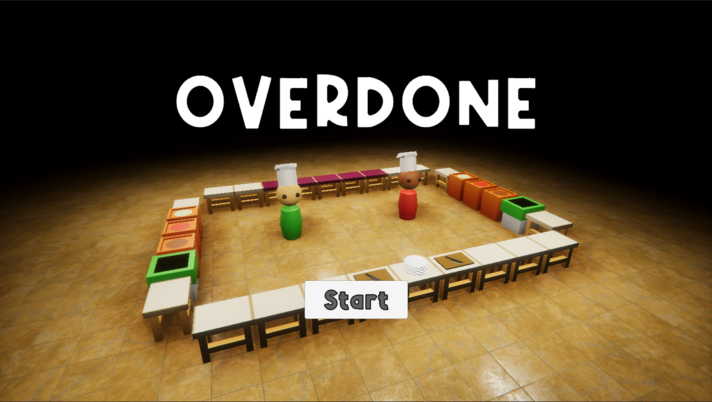
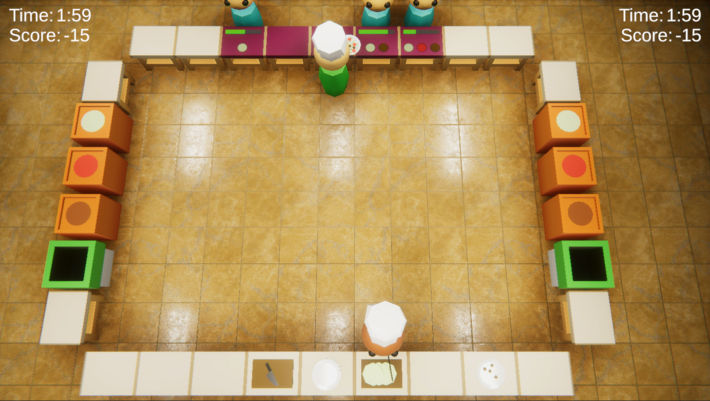
I made this demo as part of my application to Tentworks. All assets made in Unity except floor texture.